Sending an Admin Portal URL without writing code
You can generate an Admin Portal URL without writing code, using the Akarso Dashboard.
Generate the URL
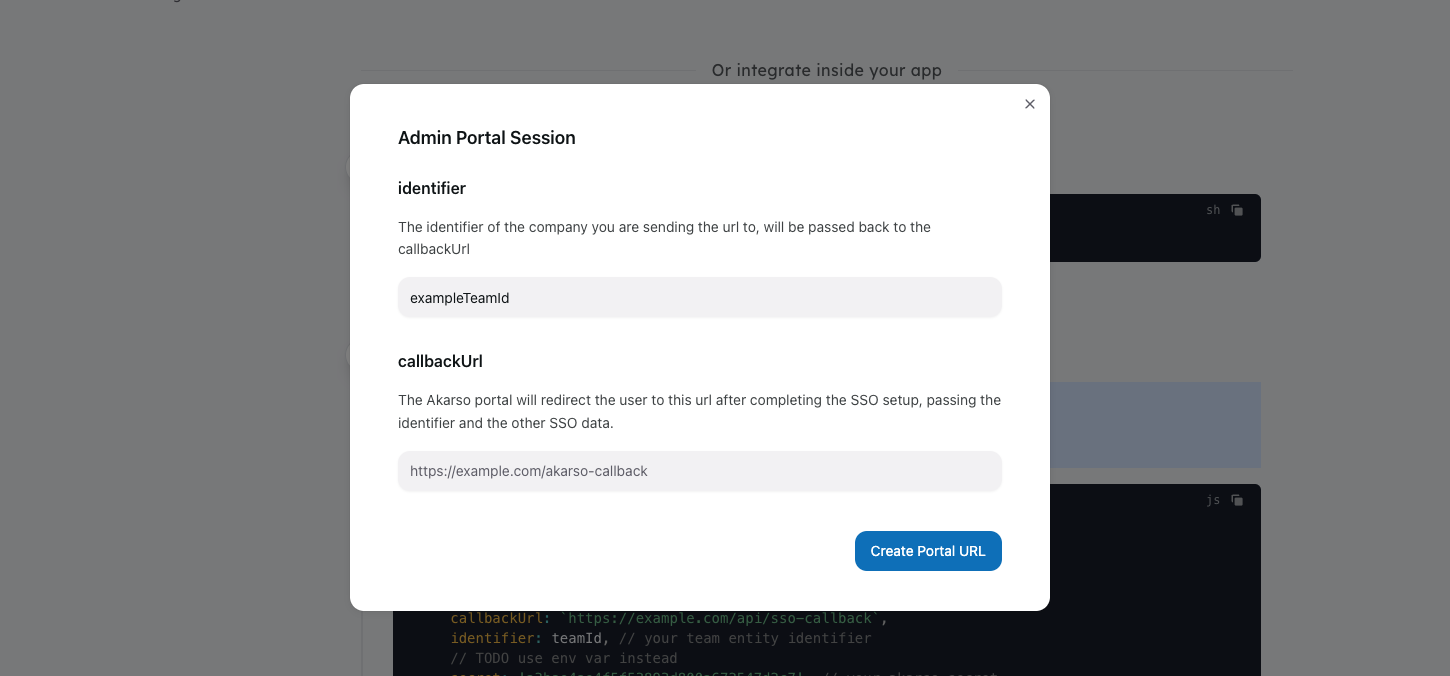
Go to the Akarso Dashboard, and click on the "Create a new Admin Portal URL" button.
Add the identifier and callbackUrl parameters, and click on "Create".
You can send this URL to the user to let them connect SSO to your app.
Connect the SSO provider to your team entity
It is recommended to connect the SSO provider to your team entity during the callbackUrl redirect:
js
import { getAkarsoCallbackResult } from 'akarso'

app.get('/api/sso-callback', async (req, res) => {
    const { token } = req.query
    const { identifier, ssoProviderId, domain } = await getAkarsoCallbackResult(
        {
            token,
            secret: 'REPLACE_ME_SECRET',
        },
    )

    // connect SSO provider to the team entity
    await prisma.team.update({
        where: { teamId: identifier },
        data: { ssoProviderId, ssoDomain: domain },
    })

    // redirect user back to dashboard
    res.redirect(`/team/${identifier}`)
})